Data setup
Importing customers, vehicles and inventory items
Treat migration as a controlled accounting and operating change. Preserve the source, clean durable identifiers, import a small representative sample and reconcile counts and balances before loading the full file. Never invent missing values merely to make a row pass validation.
Written by the VMOTEK Product Team · Updated August 13, 2026
01
1. Preserve the source and define ownership
Save a read-only copy of every source export with its extraction date and system. Name one business owner for customer data, one for vehicle data and one for catalog and stock. Record which system becomes authoritative after cutover.
02
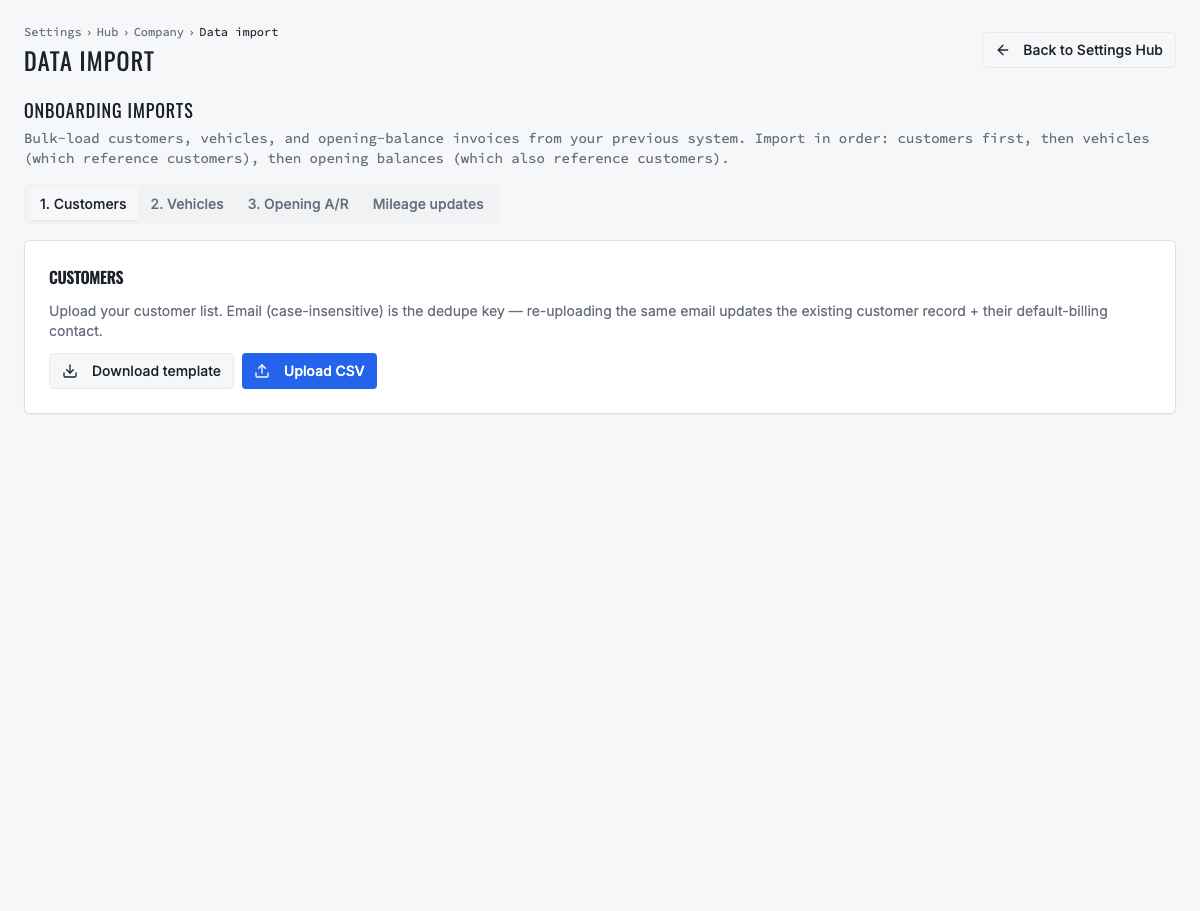
2. Download and use the VMOTEK import template
Open Data Import and download the current template for the record type. Do not assume a file used for another application has matching column names or semantics. Work in a copy and retain the untouched source separately.
- Use UTF-8 CSV unless the current importer specifies another format.
- Keep column headers exactly as supplied by the template.
- Do not add formulas, merged cells, subtotals or decorative header rows.
- Import one entity type at a time so errors can be isolated.
03
3. Prepare customer and contact records
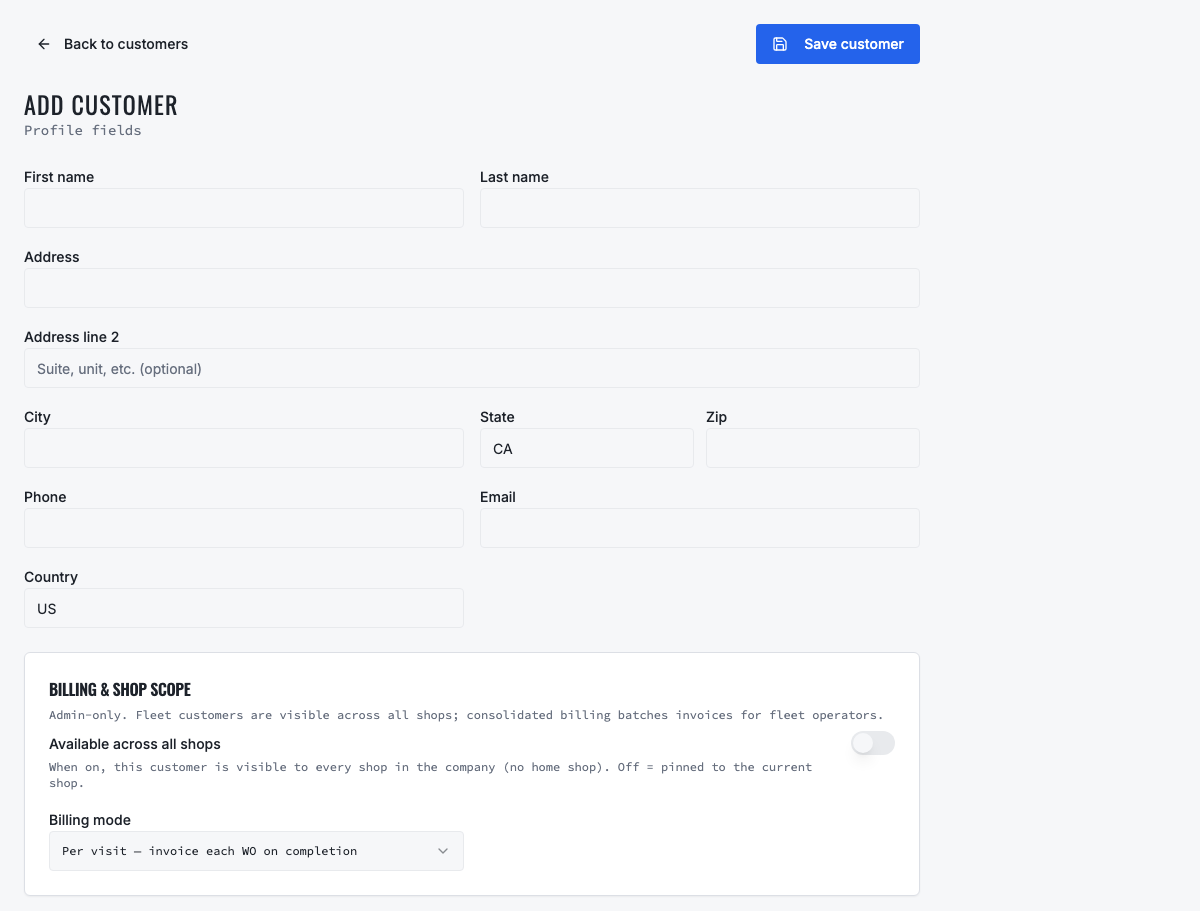
Use one customer record for each household or business account and separate contact people when the source supports it. The importer requires company_name (or the supported legacy name header), and uses email as its case-insensitive existing-customer match. Standardize obvious whitespace and casing issues without changing the actual identity.
- Preserve a stable source customer ID in the mapping or reconciliation file.
- Separate customer organization name from contact first and last name.
- Map available fields including contact_first_name, contact_last_name, email, phone, mobile, address, sales tax/account number, billing mode, billing frequency and notes.
- Validate email structure and normalize phones with country information where available. Investigate missing or shared emails before relying on update matching.
- Identify default billing and service contacts deliberately.
- Do not merge two customers solely because they share a phone, address or last name.
04
4. Prepare vehicle records and customer relationships
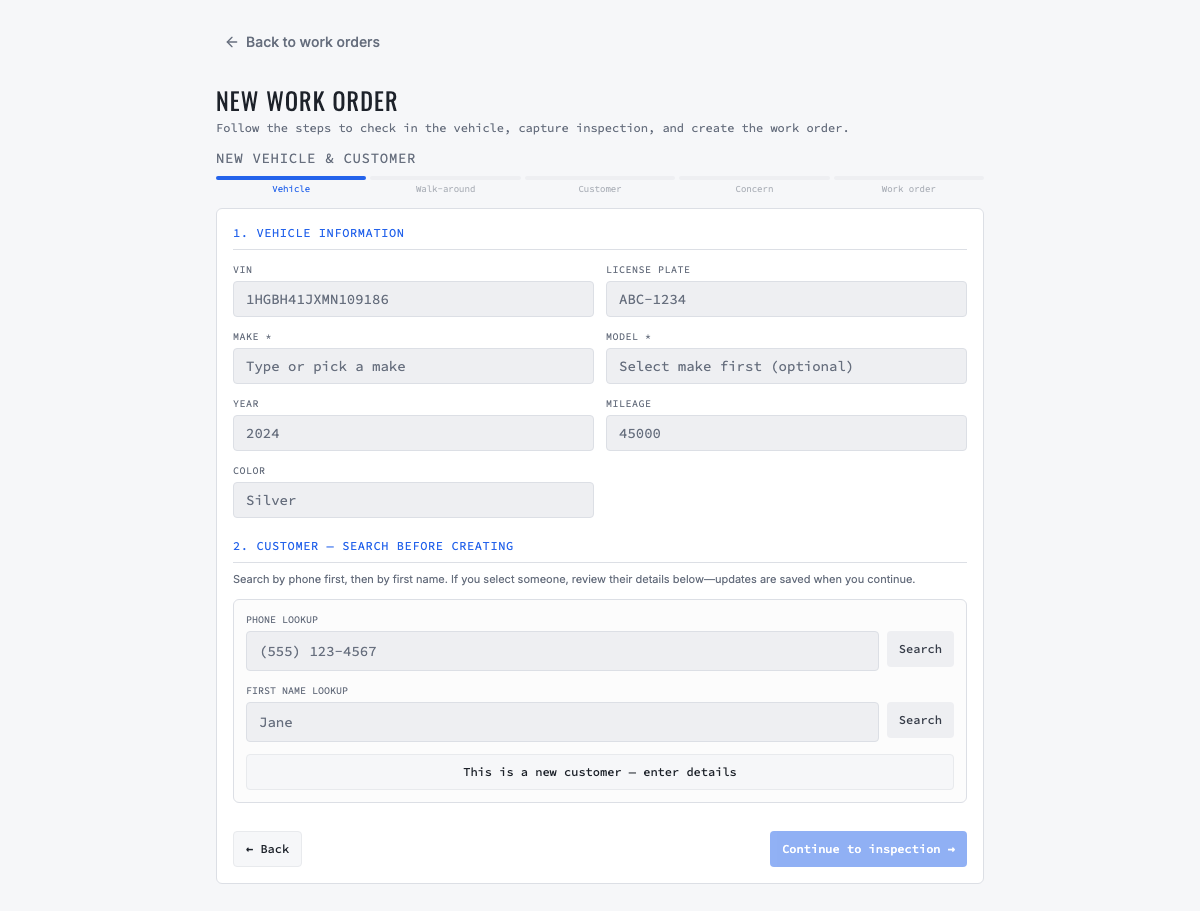
Every vehicle row requires serial_no. Import customers first when customer_email or customer_accno is available so ownership resolves automatically. A VIN-only row is valid and VMOTEK decodes it, then places it under Unassigned Vehicle Imports until staff links the correct customer. VIN is the preferred durable identity; fleet unit number and plate are operational references.
- Remove VIN spaces and obvious formatting noise, but do not guess unknown characters.
- Map description, manufacturer, model, assetnumber, asset_type, asset_status and available acquisition or warranty dates.
- Do not merge vehicles solely because a license plate matches; plates can change or be reused.
- Preserve fleet unit numbers used in approvals, scheduling and invoices.
- Identify active, inactive and disposed units so retired vehicles do not create maintenance demand.
- Validate odometer value, unit and date separately from vehicle identity.
05
5. Build one shared inventory catalog
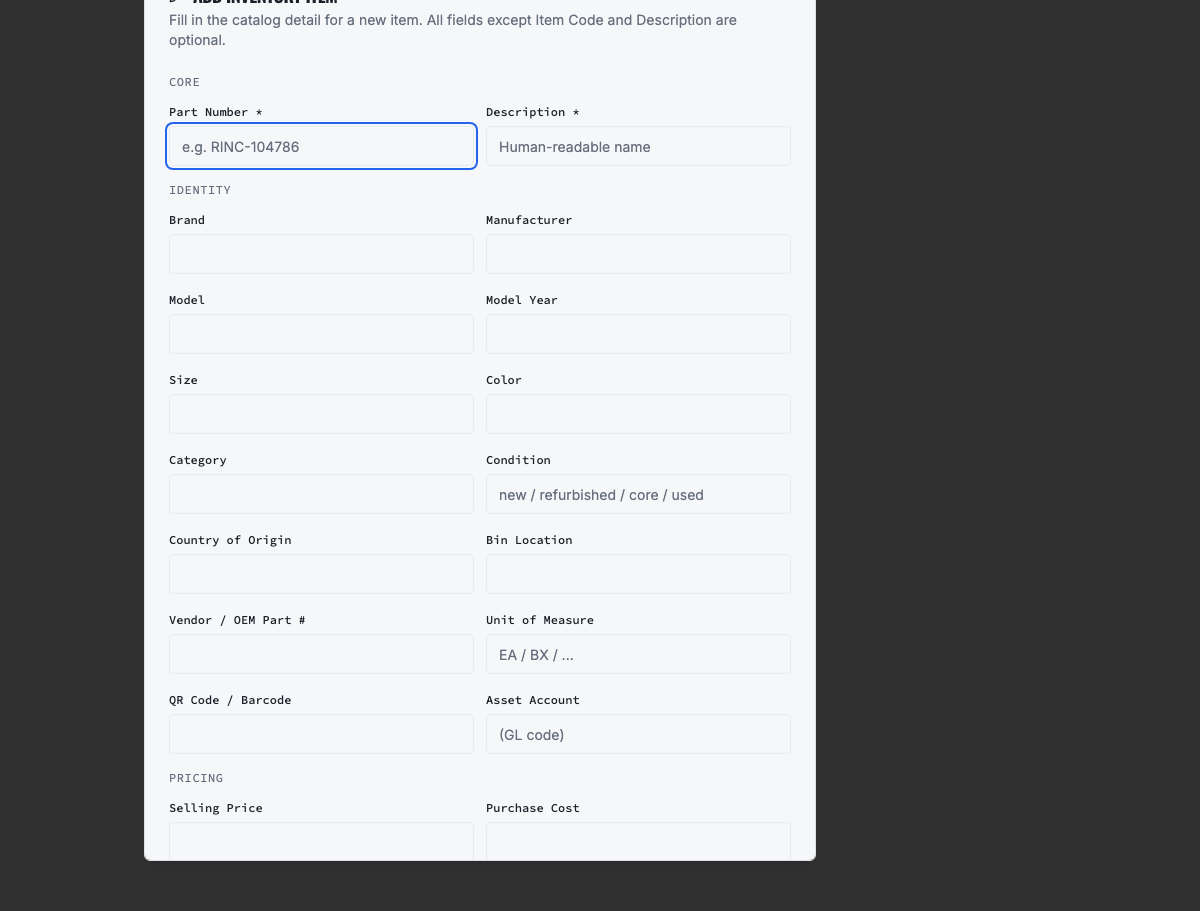
Separate catalog identity from location quantity. Use one item or part number for the same product across shops; stock belongs to locations. Normalize description, unit of measure, category, brand, cost, selling price, tax code, reorder point and vendor reference.
- Search existing catalog items before importing to avoid duplicate part identities.
- Keep internal item number separate from vendor or OEM part number.
- Use a consistent unit of measure across all locations.
- Treat blank cost differently from zero cost.
- Archive obsolete products after import rather than deleting history.
06
6. Prepare location-owned opening stock
Each quantity row needs a recognized shop or inventory location, catalog item and opening quantity. Include lot, serial, bin or expiry information when the item requires it. Agree on the effective cutover time so purchases, transfers and work-order usage are not counted twice.
07
7. Run a representative pilot import
Import a small sample containing a normal consumer, a business customer with several contacts, duplicate candidates, a fleet vehicle, missing optional values, one catalog item in multiple shops and at least one intentionally invalid row. Capture the accepted and rejected result.
08
8. Correct errors at the source or staging file
Review every rejected row and reason. Correct the staging file, not an undocumented copy. Do not repeatedly upload the same full file unless the importer and duplicate behavior are understood. Keep a change log for transformations and exceptions.
09
9. Reconcile before the complete load
Compare source, submitted, accepted, rejected and destination counts. Then verify relationships and money-sensitive balances rather than relying only on row totals.
- Customers by type and active status.
- Contacts by customer and default designation.
- Vehicles by customer, VIN and fleet unit.
- Catalog items by internal item number.
- Quantity and value by shop and inventory location.
- Random sample of notes, addresses, costs and prices.
10
10. Complete the production import and freeze the old system
Schedule the final export and import window, stop changes in the old system, load in the tested order and reconcile again. Publish when VMOTEK becomes the system of record. Retain the old export according to legal and company policy, but prevent staff from continuing parallel updates.
11
11. Post-import acceptance
Have an advisor find customers and vehicles, a technician open service history, a purchaser find and order parts, a receiver verify stock by shop and a finance user review customer terms. Record approval from each data owner and keep unresolved exceptions in a controlled list.
Related product areas
Understand the capability behind the task
Continue to the applicable platform page for workflow behavior, role differences and connected operating consequences.
Ready to move forward?
Need help with your configuration?
Existing customers should use in-product support for account-aware assistance. Evaluation teams can contact us to discuss requirements.