Fleet maintenance
Run preventive maintenance from due list to service history
A reminder is not completed maintenance. The shop still needs to review evidence, coordinate vehicle availability, authorize scope, perform the work and preserve the completion reading. This guide connects the maintenance queue to the ordinary VMOTEK repair workflow without creating a parallel fleet process.
Written by the VMOTEK Product Team · Updated August 13, 2026
01
1. Review the fleet operations center
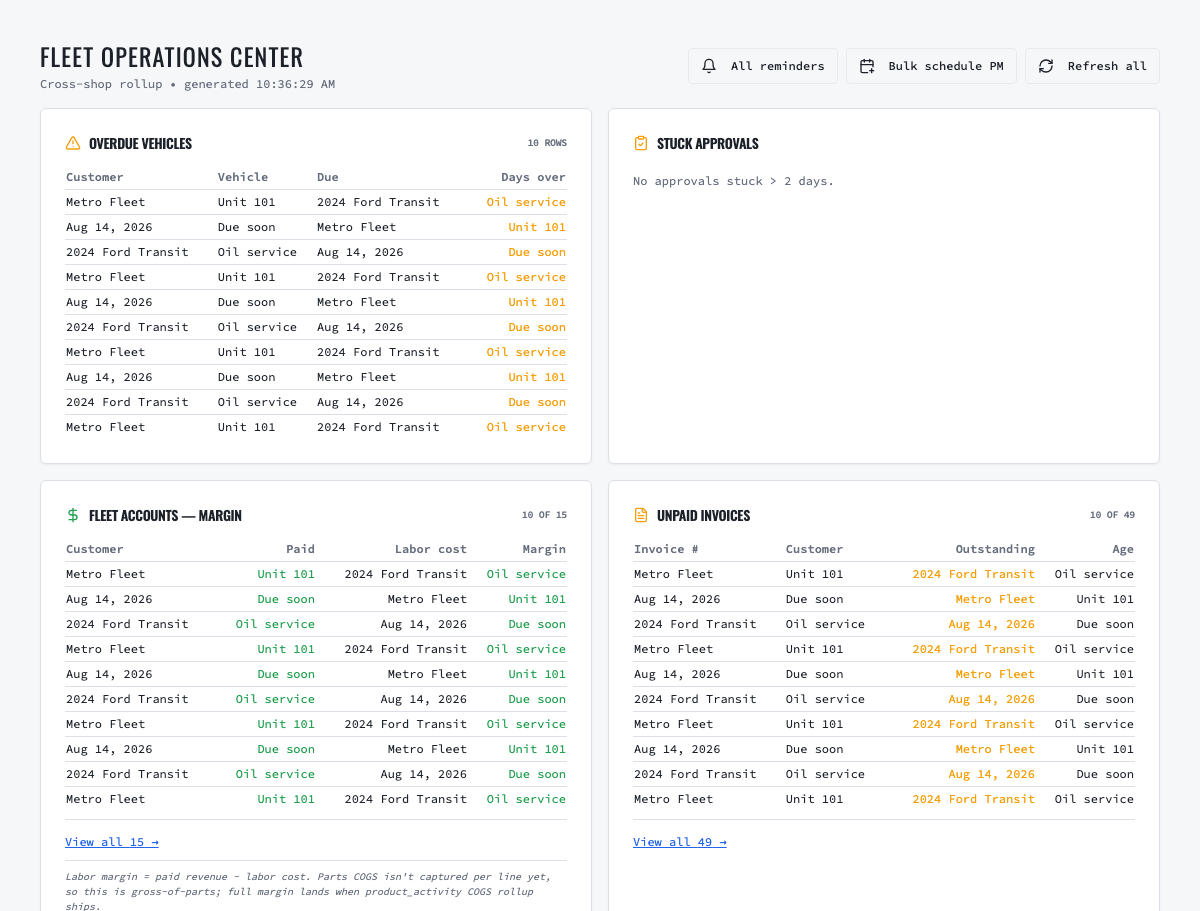
Open Insights → Fleet Ops. Review due, due-soon and overdue units, then filter by customer, shop, vehicle or service. Confirm the vehicle is active and that the latest reading is credible. Investigate stale or decreasing readings before contacting the customer or producing work.
02
2. Confirm availability and authorization
Contact the fleet coordinator, confirm when the unit can be released, identify the authorized decision-maker and record required PO or contract instructions. If the fleet defers the service, record the decision and follow-up instead of silently changing the maintenance evidence. Portal access and consolidated billing do not themselves authorize repair work.
03
3. Create and review the draft work order
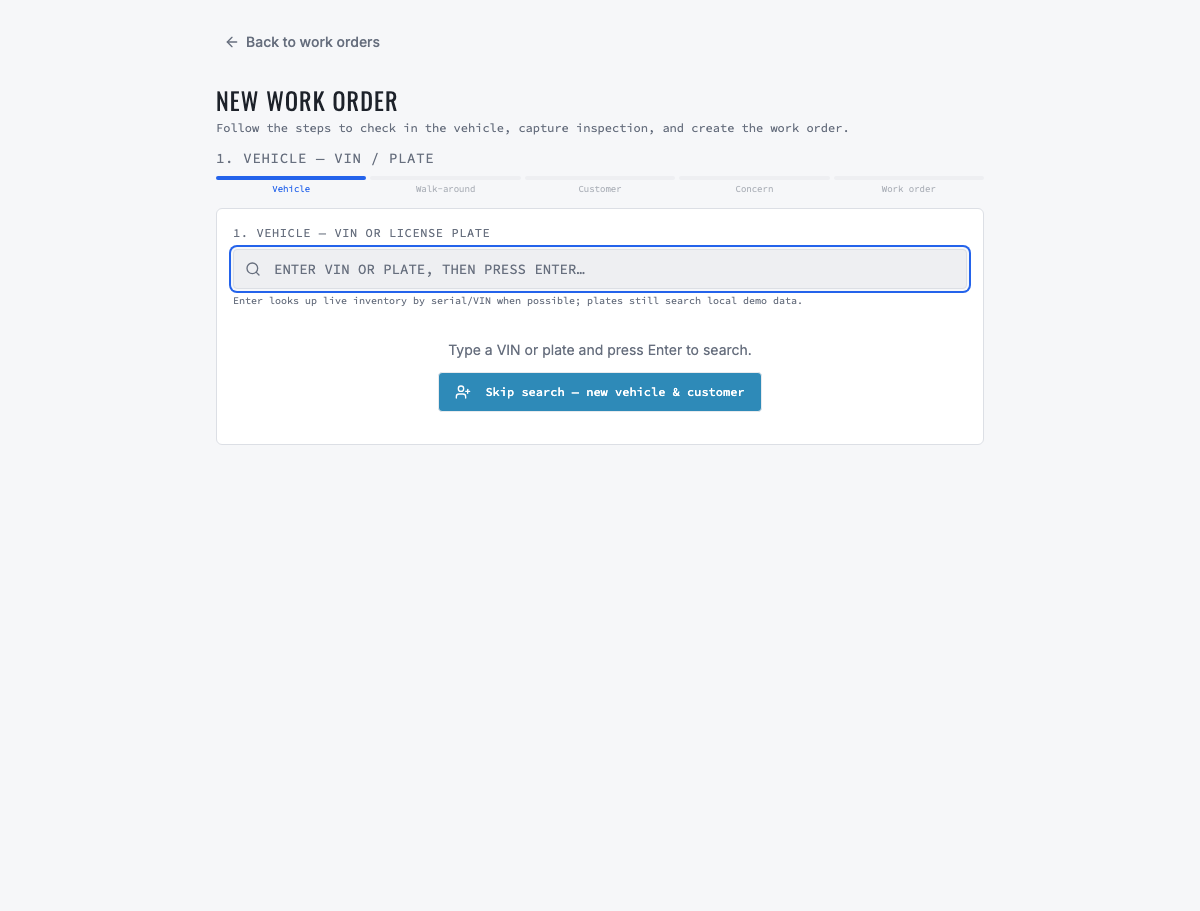
Convert the eligible reminder into a draft work order. VMOTEK should check for open work, scheduled appointments and recent completion for the same vehicle and service before creating another draft. Review customer, vehicle, shop, triggering evidence, service lines, pricing and authorization before marking the work ready.
04
4. Schedule a group of eligible vehicles
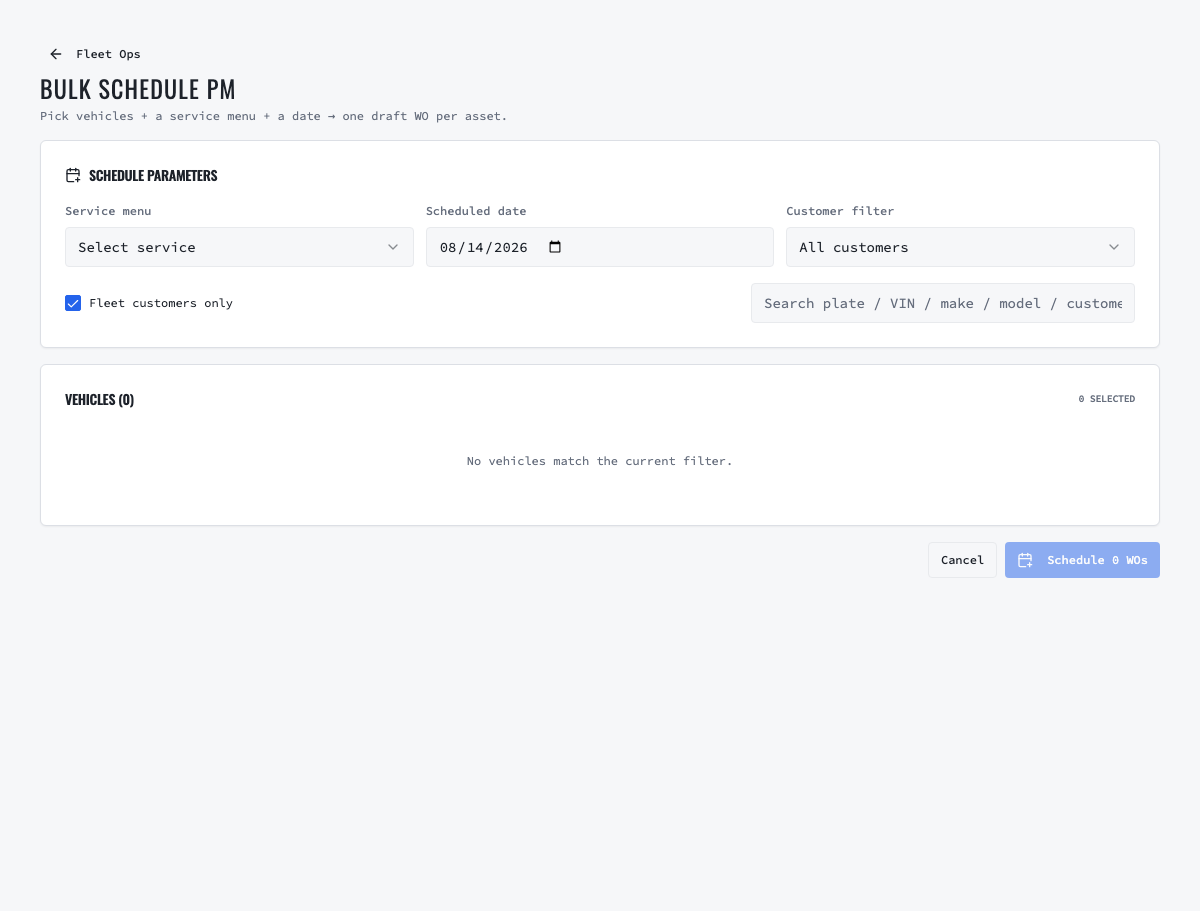
When several units are accepted, use bulk scheduling rather than recreating appointments individually. Balance requested dates with shop capacity, bays, technicians and parts availability. Keep each vehicle's appointment and work order distinct even when the customer coordinates them as one maintenance campaign.
05
5. Execute through the normal shop workflow
Assign or release the work according to the selected shop's dispatch configuration. The technician starts eligible work, records inspection findings, labor, parts and readings, and requests additional approval when scope changes. Parts consumption and receiving remain attributed to the physical shop even though the fleet customer and vehicle history are shared across approved locations.
06
6. Complete with actual evidence
Before completion, verify the performed service, quality review, final odometer or engine hours, parts and technician time. Complete the work order only after the evidence is accurate. VMOTEK uses the actual completion date and reading to close the current reminder cycle and calculate the next one.
07
7. Verify service history and the next cycle
Open the vehicle and review service history. Confirm the completed work order is visible with its shop, date, reading, labor and parts. Return to Fleet Ops and verify that the prior due item no longer appears as unresolved and that the next due point reflects the completed service. If a duplicate remains, investigate linkage rather than deleting history.
Related product areas
Understand the capability behind the task
Continue to the applicable platform page for workflow behavior, role differences and connected operating consequences.
Ready to move forward?
Need help with your configuration?
Existing customers should use in-product support for account-aware assistance. Evaluation teams can contact us to discuss requirements.