Mobile glass setup
Configure the Mobile Glass operating template
The Mobile Glass template prepares a field-service workflow while keeping vehicle identity, glass options, service address, weather, materials and calibration disposition visible. It does not provide a glass catalog, guarantee mobile suitability or decide whether a chip is repairable. The shop must connect the exact part and approved materials and define when work must move to a controlled facility.
Written by the VMOTEK Product Team · Updated August 14, 2026
01
1. Apply without inventing a bay
Select Mobile glass service for the intended location. Preview Mobile glass service intake, Glass installation preflight, Windshield replacement and Glass chip repair. Mobile glass service unit is a recommendation representing a real vehicle or crew, not a normal repair bay. Apply creates drafts and provenance only. If the business also installs glass in-shop, configure that capacity separately instead of treating every mobile appointment as interchangeable.
- Select the intended shop in the top header.
- After registration, select Settings → Setup & Readiness → Operating templates; during onboarding, use Choose how each shop operates.
- Choose Mobile glass service → Preview and verify the four draft records and capacity recommendation.
- Select Create missing drafts (or Create drafts & continue during onboarding); do not publish until exact glass, materials, labor and field rules are complete.
02
2. Review mobile intake
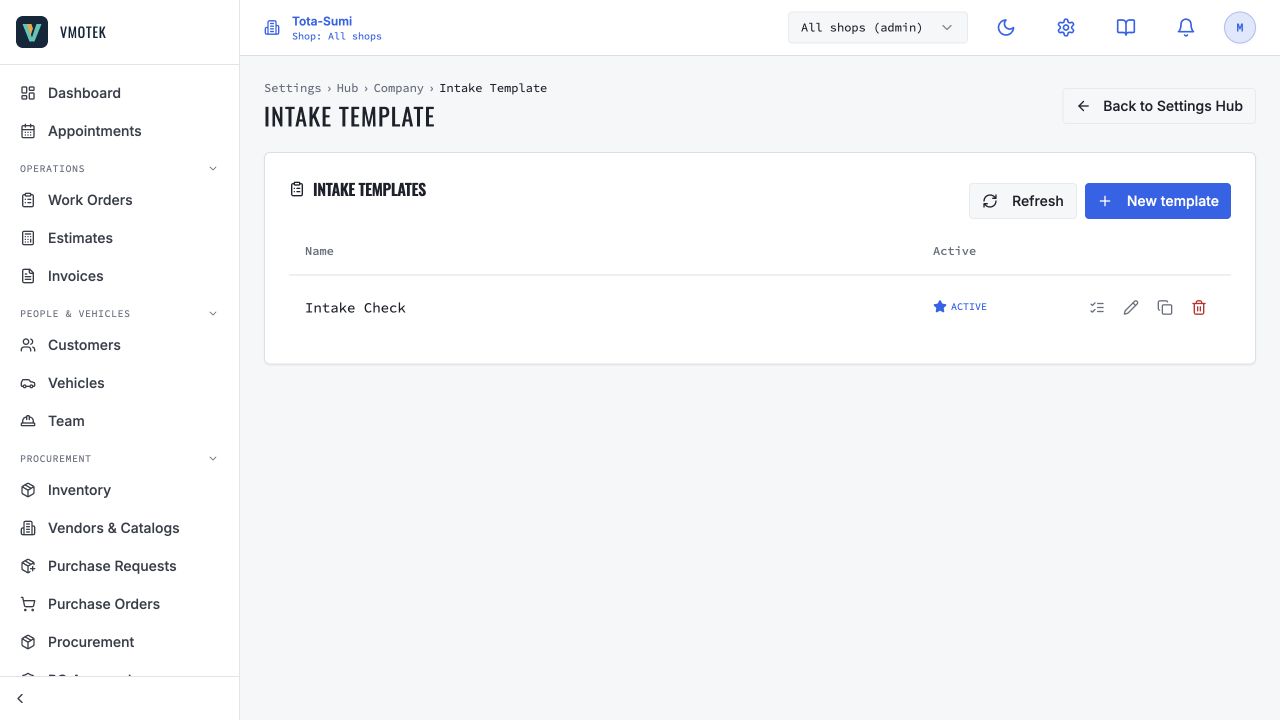
The intake captures glass position, damage description, VIN, camera/sensor/antenna/heating options, service address, access notes, weather/work-area suitability and photos. Confirm VIN before selecting a part. Add customer contact and arrival instructions through normal appointment fields rather than duplicating them in notes. Define what makes a location unsafe or unsuitable and give staff a clear path to reschedule or move the job in-shop.
03
3. Configure preflight verification
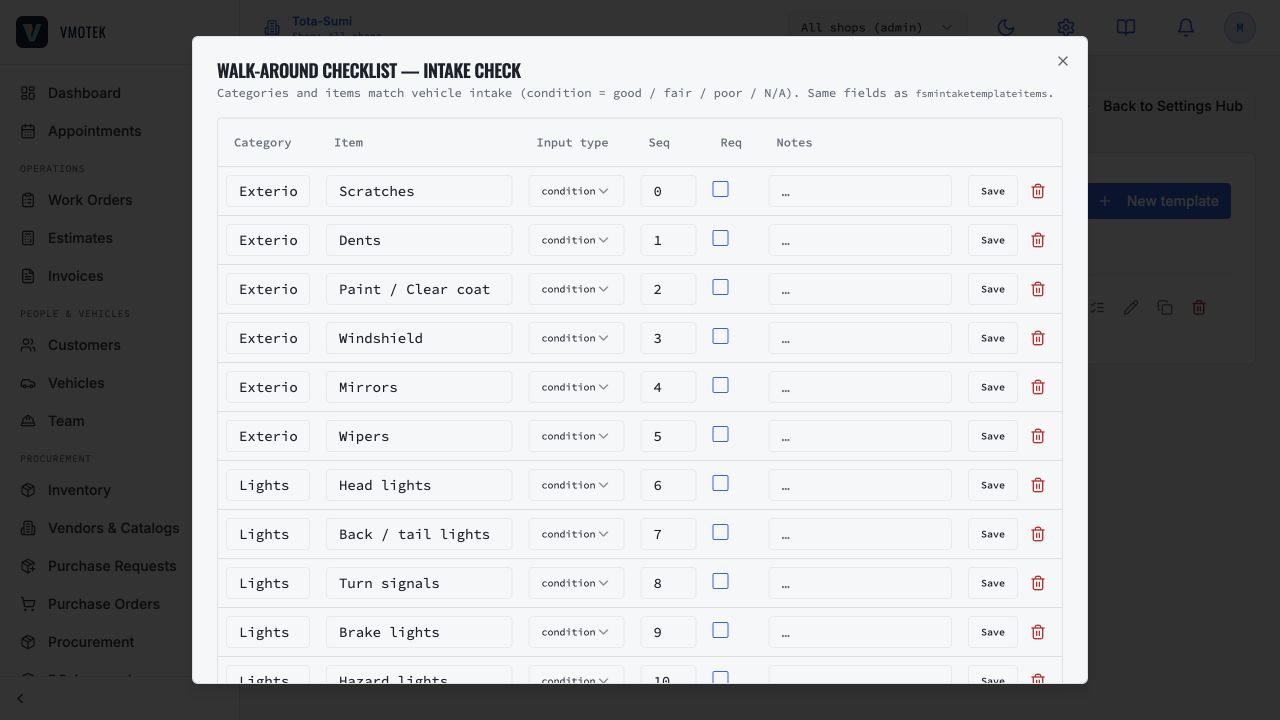
The preflight draft verifies VIN, selected glass and options, surrounding body/trim condition, calibration implications and the mobile work environment. Adapt it to the shop's supplier documentation, adhesive system and technician qualifications. A checked box must describe an observable verification. If part identity, weather, damage or calibration disposition is unresolved, stop before removal rather than letting schedule pressure turn a warning into an approval.
04
4. Complete replacement and repair packages
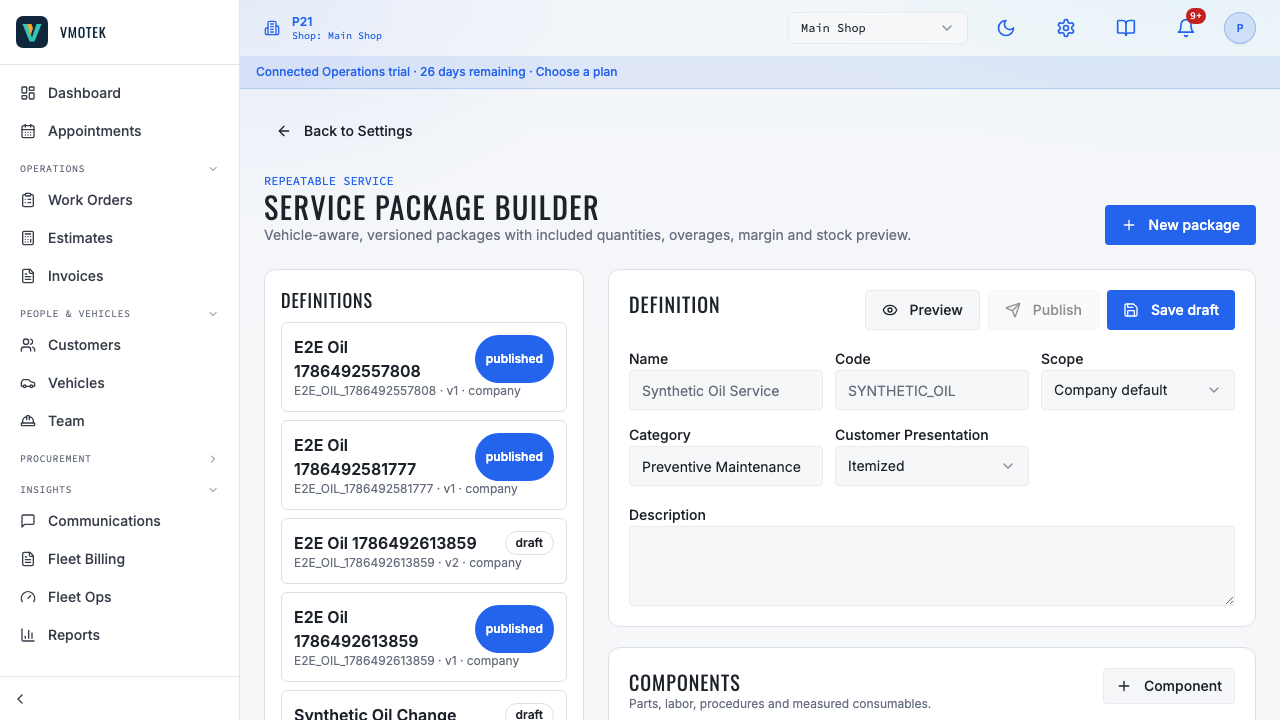
Link Windshield replacement to the exact vehicle-correct glass and approved adhesive/material kit, then enter labor, price and cure-time instructions. Define leak, trim and calibration-disposition checks. For chip repair, document eligibility rules and the remaining visible condition; not every size or location is safely repairable. Use vehicle applicability and advisor confirmation to prevent a generic package from being presented as fitment proof.
05
5. Validate the field journey
Create a test public appointment with a service address, customer and vehicle. Verify capacity uses the real mobile unit or crew, intake works on a phone, required photos persist and the correct part and materials appear on the estimate. Continue through approval, dispatch, preflight, installation, customer instructions, invoice and payment. Test unsuitable weather and a mismatched part; both should stop the workflow clearly rather than silently allowing completion.
Related product areas
Understand the capability behind the task
Continue to the applicable platform page for workflow behavior, role differences and connected operating consequences.
Ready to move forward?
Need help with your configuration?
Existing customers should use in-product support for account-aware assistance. Evaluation teams can contact us to discuss requirements.