Fleet service setup
Configure the Fleet Service operating template
The Fleet Service template prepares operational records used by a shop serving business fleets. It complements, rather than replaces, fleet account policy, portal access, preventive-maintenance reminders, customer purchase-order requirements, credit controls and consolidated billing. Every interval, price, authorization rule and contract promise requires customer- and shop-specific review.
Written by the VMOTEK Product Team · Updated August 14, 2026
01
1. Apply the fleet baseline
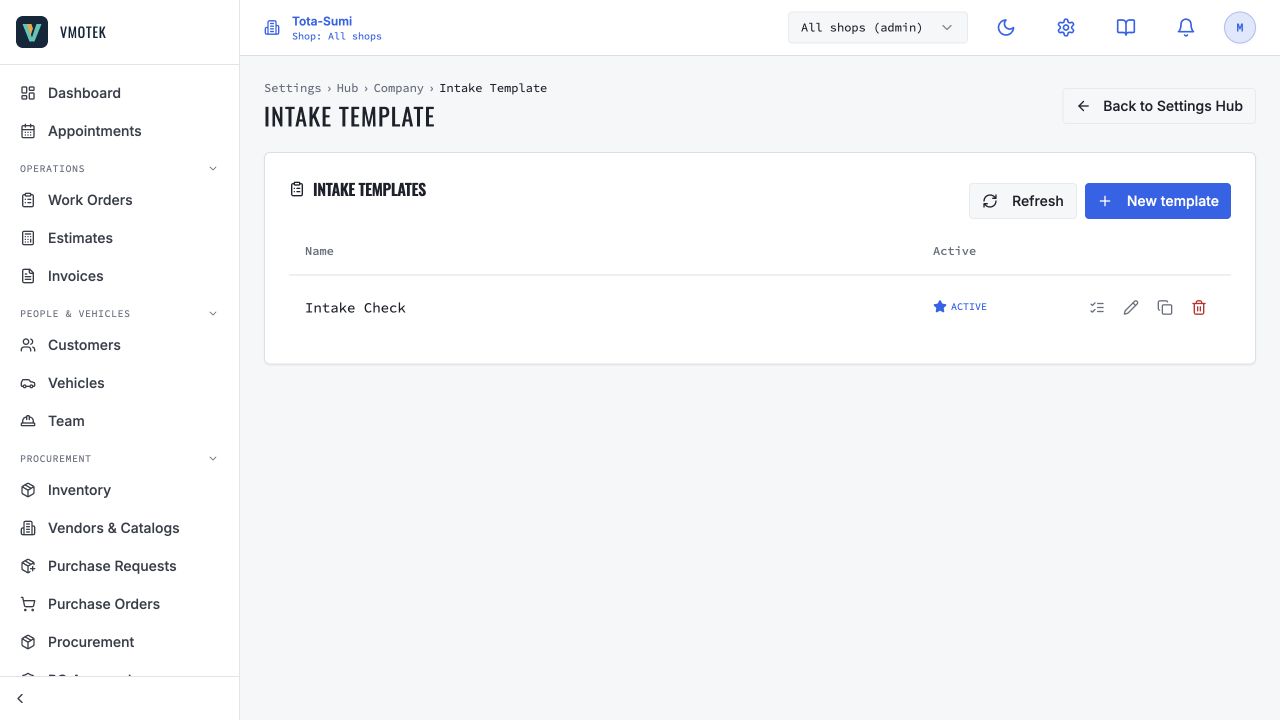
Select Fleet service operation for the intended location. Preview Fleet vehicle service intake, Fleet preventive-maintenance inspection and Fleet preventive-maintenance service. Fleet mobile or priority-service fee requires a local value and contract review; Fleet service capacity is only a recommendation. Apply creates drafts without activating fleet billing or inviting customers to the portal.
- Select the intended serving shop in the header.
- After registration, select Settings → Setup & Readiness → Operating templates; during onboarding, use Choose how each shop operates.
- Choose Fleet service operation → Preview and verify drafts, incomplete fee and capacity recommendation.
- Select Create missing drafts (or Create drafts & continue during onboarding); configure fleet customer billing and portal access separately.
02
2. Configure the fleet account separately
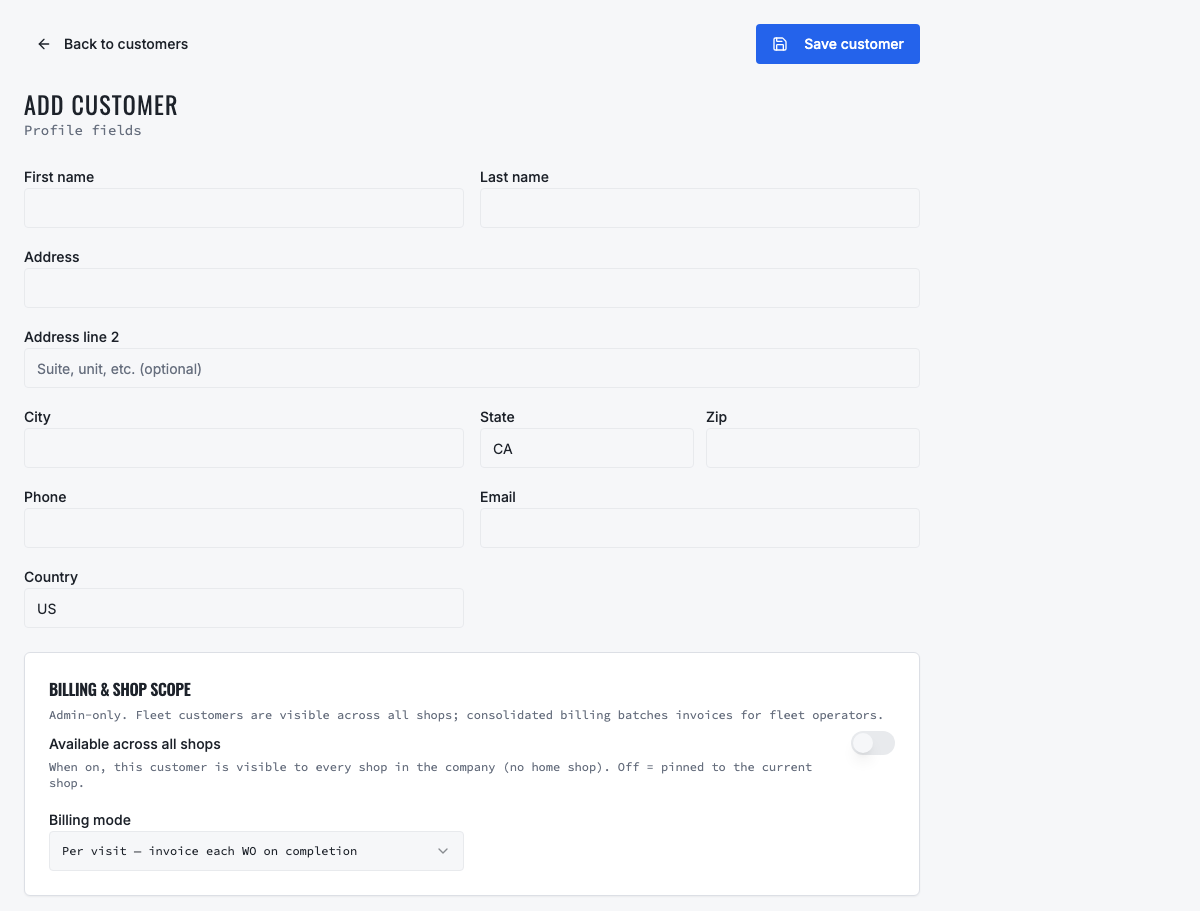
Create the customer as a business/fleet account, add its contacts and vehicles, then define regular or consolidated billing, approval contacts, customer PO requirements, credit limit and shop relationships. Invite only authorized contacts to the fleet portal. A fleet template helps the serving shop work consistently; it does not decide which customer receives monthly billing or how much unpaid exposure the business accepts.
03
3. Review intake and PM evidence
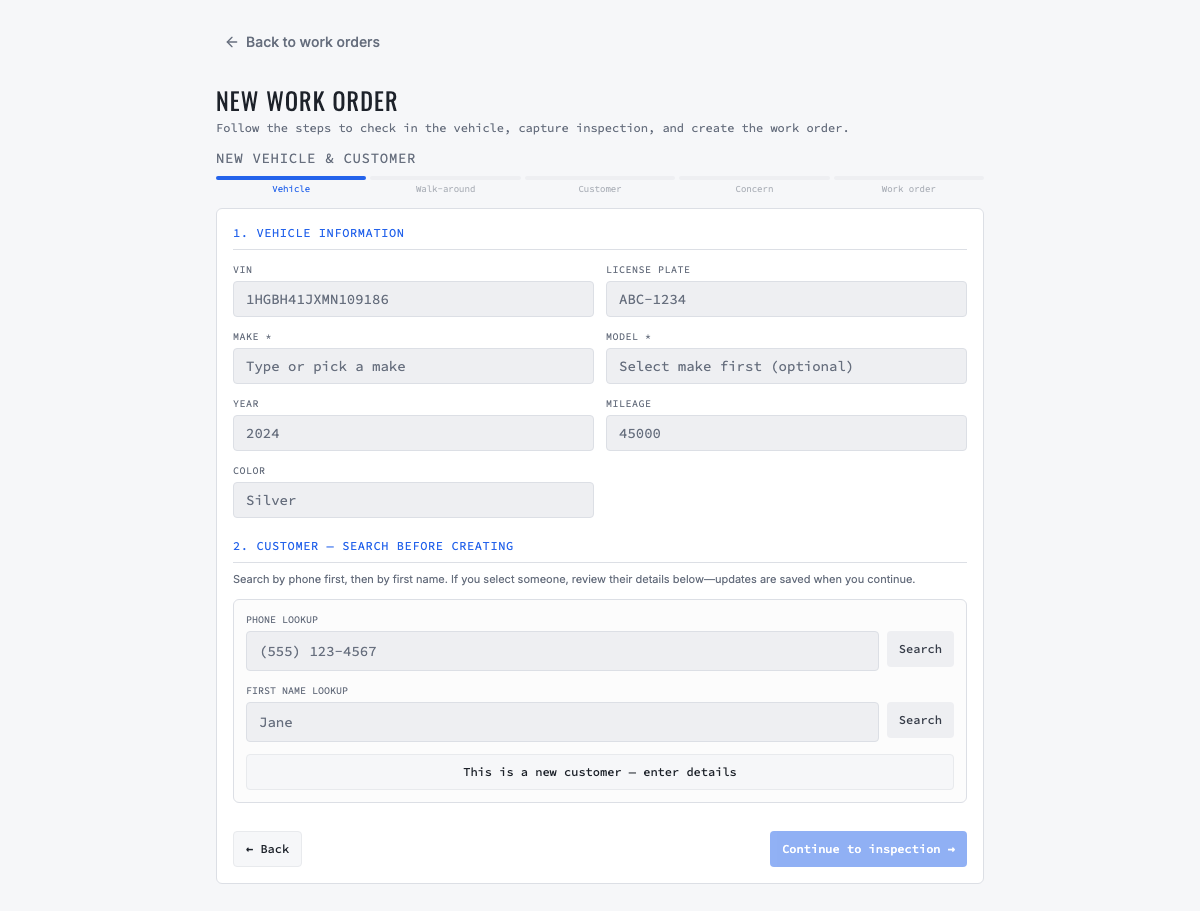
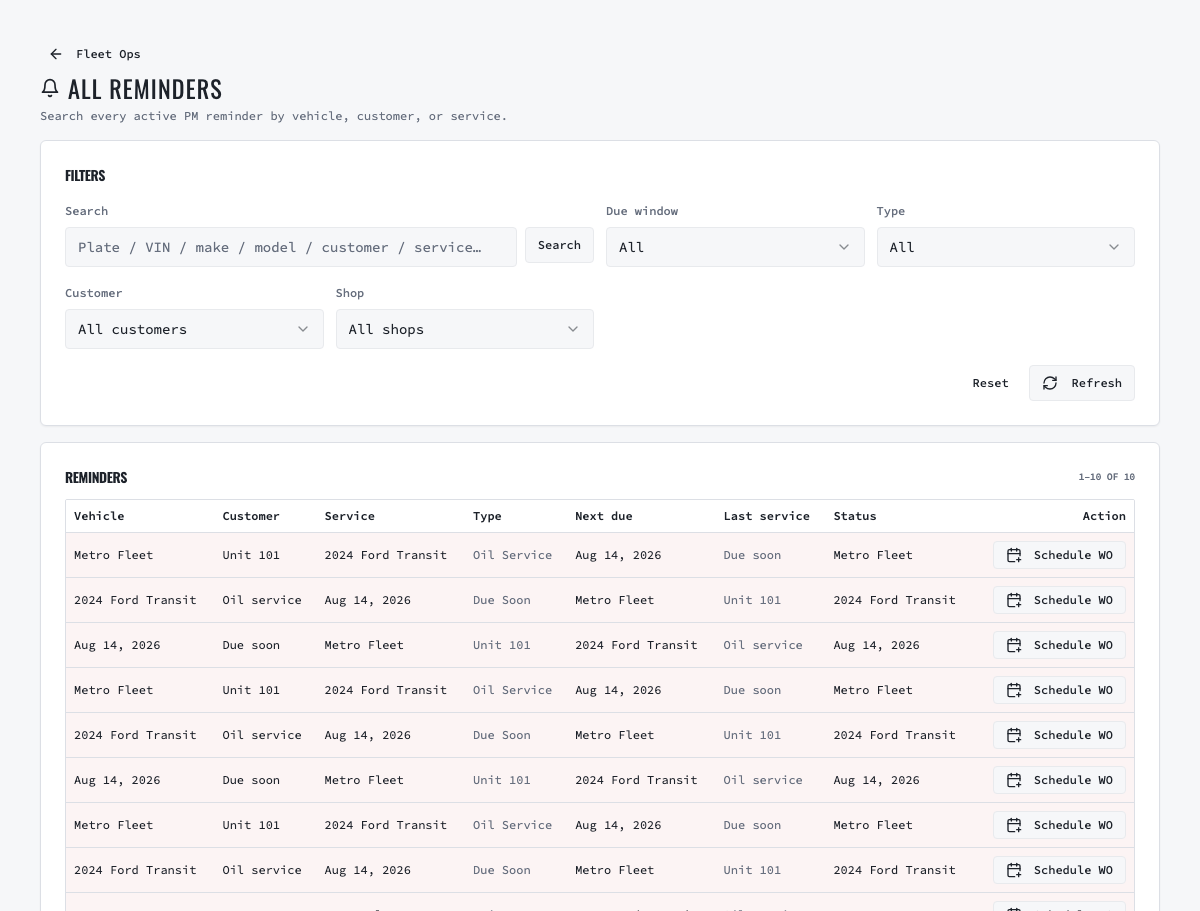
The intake captures account/unit identity, odometer or engine hours, driver concern, out-of-service state and authorization reference. Require mileage or hours according to the vehicle and contract. Adapt the PM inspection by vehicle class; the draft's warnings, fluids, brakes, tires and fleet-specific item are only a baseline. Configure service reminders using documented date, mileage or hour intervals and record the source of the interval.
04
4. Complete the PM package
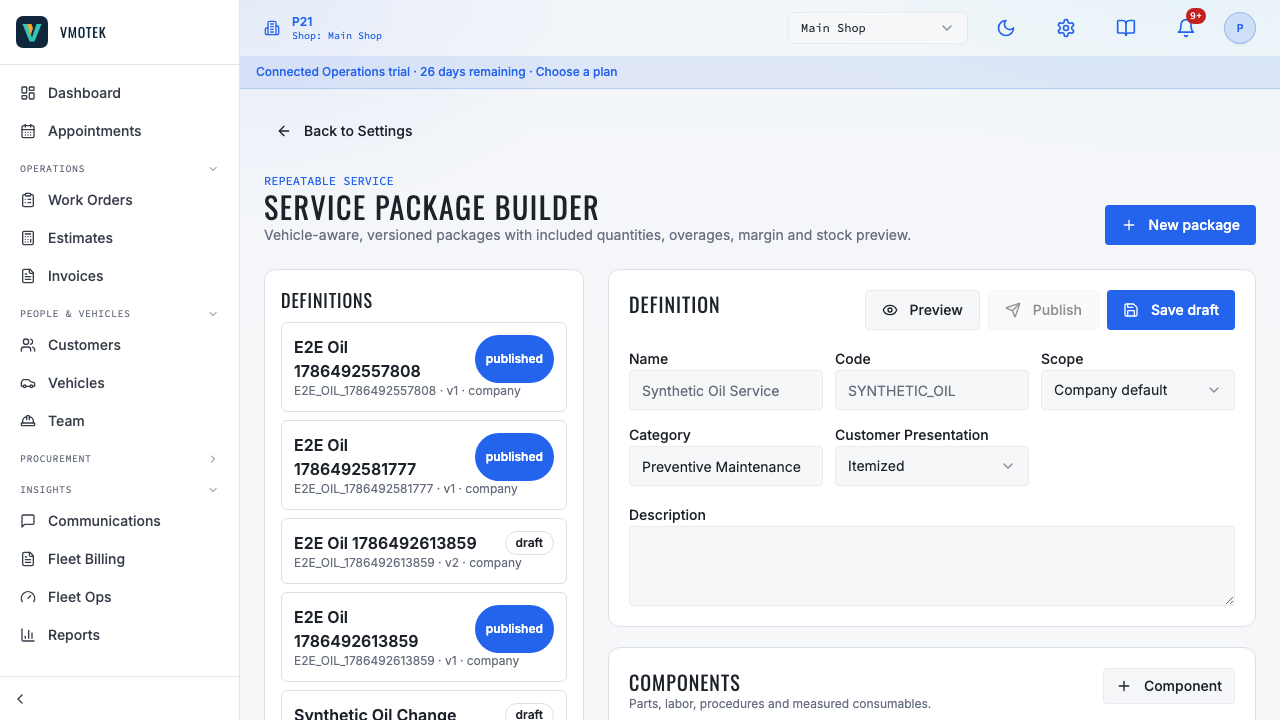
Link required fluids, filters and parts to company inventory and enter real quantities, labor and price. Attach the reviewed PM inspection or checklist. Use vehicle applicability so a light-duty van and a heavy unit do not receive the same components by accident. Preview margin and local stock. When unavailable parts are needed, create and receive a purchase order into the performing shop before consumption.
05
5. Validate approvals, downtime and billing
Run a test fleet vehicle from reminder or appointment through intake, estimate, fleet approval, work order, parts, completion and invoice. Confirm unauthorized scope cannot bypass approval, the fleet can see the correct vehicle and document, and an out-of-service vehicle is visible operationally. For consolidated billing, include eligible invoices once, generate the billing document and verify payment and credit exposure. Compare results by shop when multiple locations serve the same fleet.
Related product areas
Understand the capability behind the task
Continue to the applicable platform page for workflow behavior, role differences and connected operating consequences.
Ready to move forward?
Need help with your configuration?
Existing customers should use in-product support for account-aware assistance. Evaluation teams can contact us to discuss requirements.