Heavy-duty setup
Configure the Heavy-Duty operating template
The Heavy-Duty template adds engine-hour and operating-context evidence to the familiar repair workflow. It prepares heavy-duty intake, a broad service inspection, a preventive-maintenance package and an internal DOT-readiness package. It does not provide OEM procedures, fault-code integrations, labor-time data, official inspection authority or vehicle-specific fluid capacity.
Written by the VMOTEK Product Team · Updated August 14, 2026
01
1. Preview the heavy-duty scope
Select Heavy-duty repair shop for the intended location. Review Heavy-duty vehicle intake, Heavy-duty service inspection, Heavy-duty preventive-maintenance service and DOT-readiness inspection. Heavy-duty service bay remains a recommendation because dimensions, lift/pit capability, door clearance and vehicle limits are physical facts. Apply creates drafts and never represents the shop as certified for an inspection program.
- Select the heavy-duty location in the header.
- After registration, select Settings → Setup & Readiness → Operating templates; during onboarding, use Choose how each shop operates.
- Choose Heavy-duty repair shop → Preview and verify the proposed drafts and bay recommendation.
- Select Create missing drafts (or Create drafts & continue during onboarding); enter real vehicle classes, capacity and service values before publishing.
02
2. Configure unit and usage intake
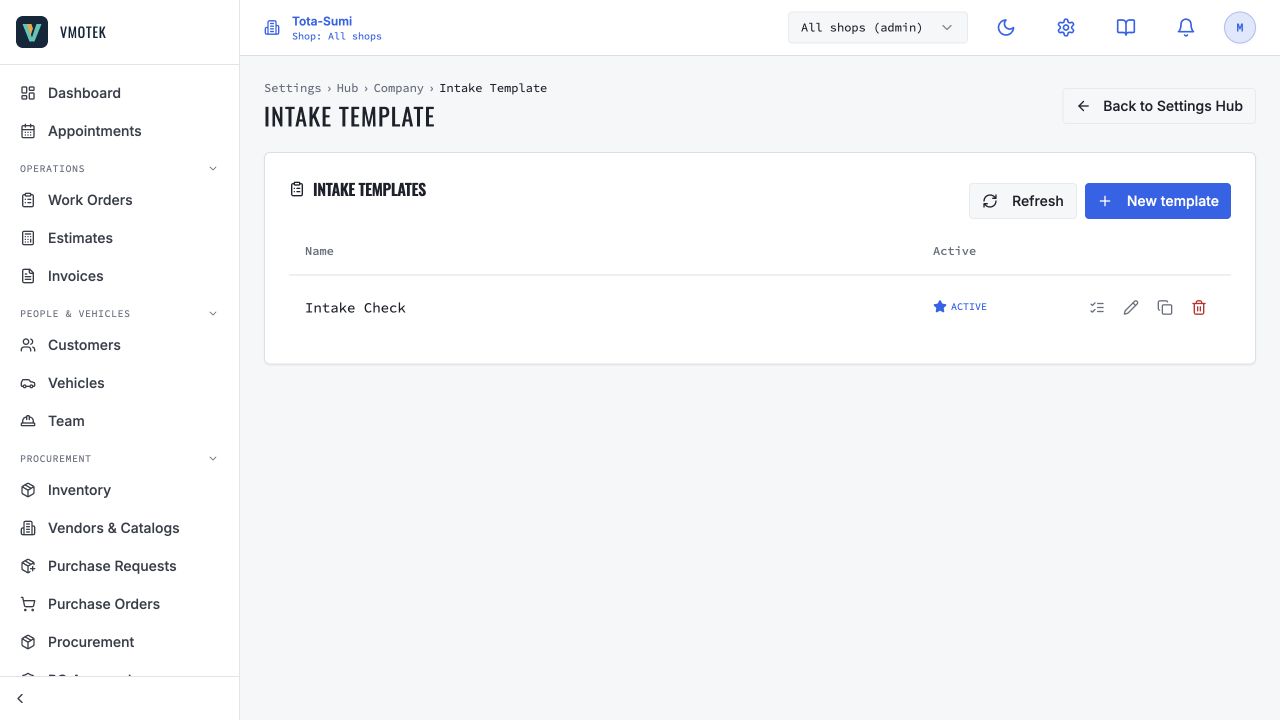
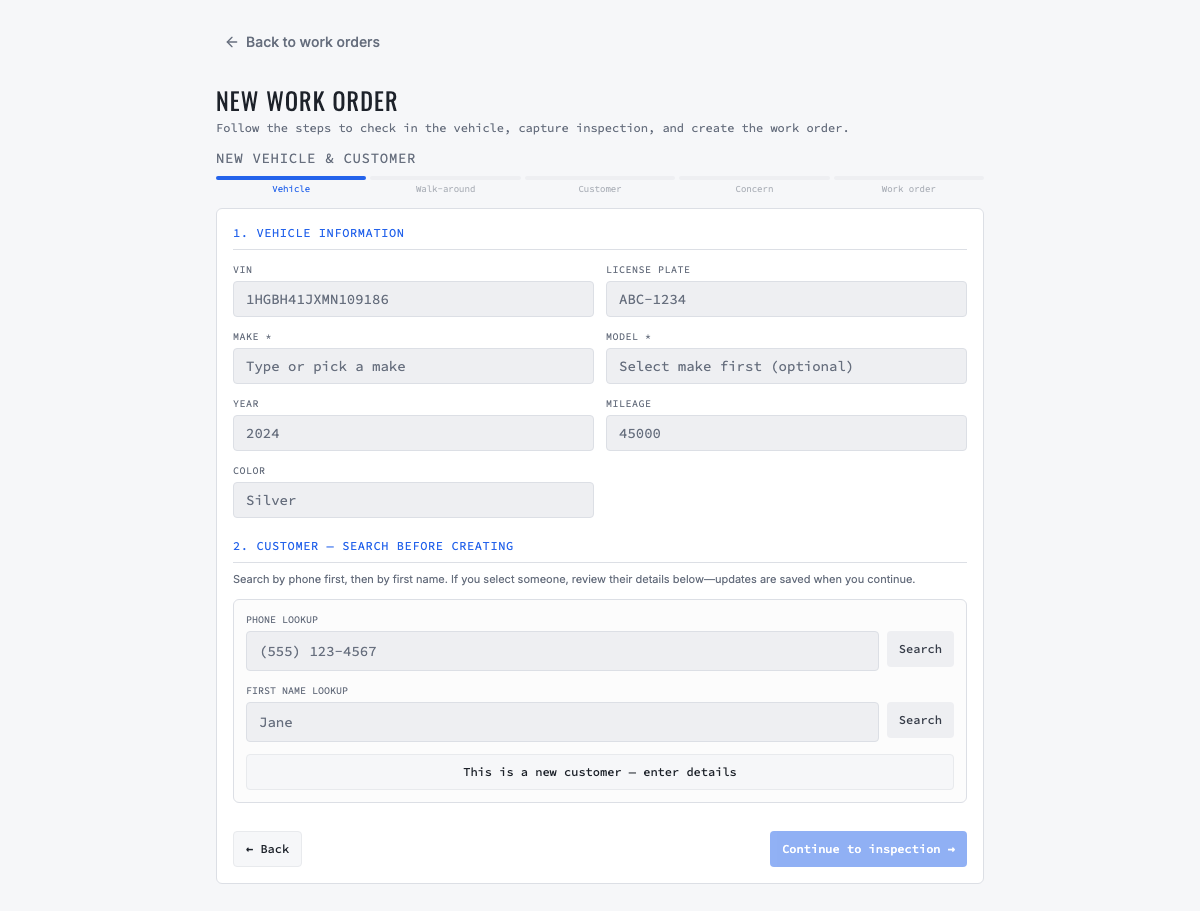
Review unit/fleet number, VIN, odometer, engine hours, driver concern, loaded/towing/out-of-service context and warning/derate indicators. Decide whether mileage, hours or both drive maintenance for each vehicle class. Keep unit number and VIN distinct. Add trailer or asset relationships only when the current data model and shop process identify them reliably. Staff should record an active derate or warning as evidence, not infer a fault without diagnosis.
03
3. Adapt inspection by vehicle class
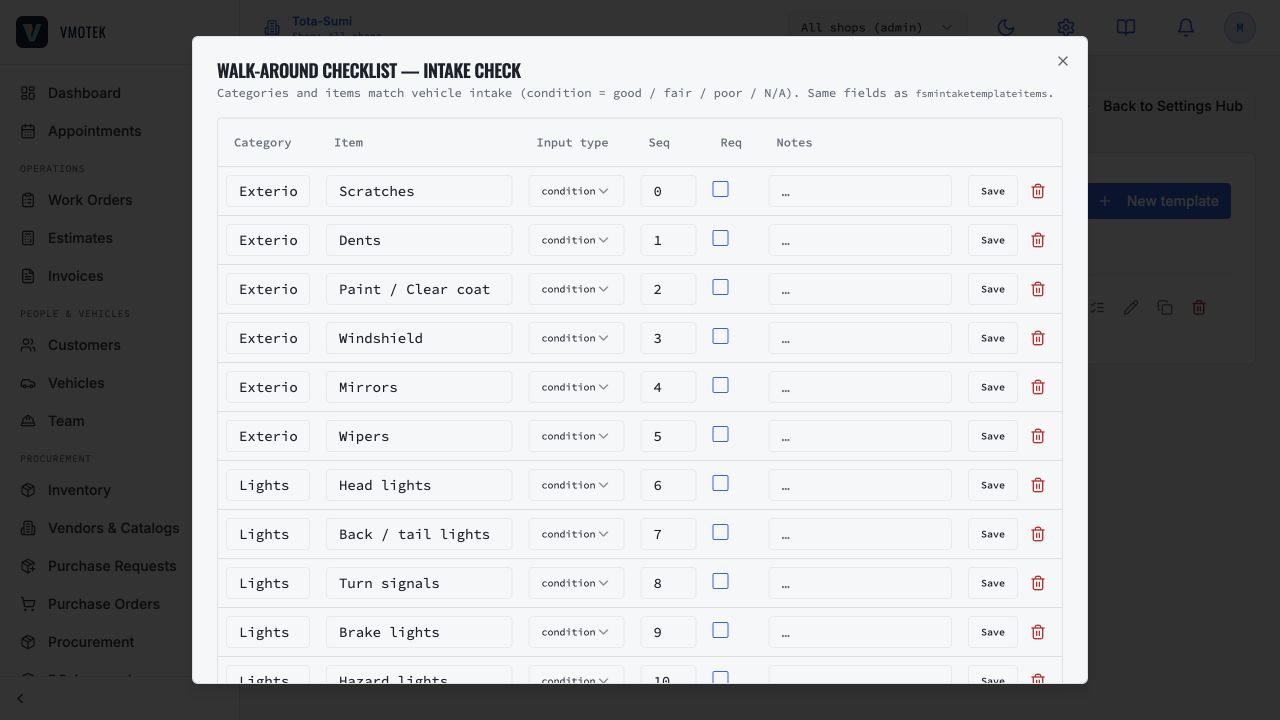
The draft covers safety indicators, air-system condition, foundation brakes, tires/wheels, chassis and fluids. Replace generic points with reviewed measurements, units and escalation rules for the classes the shop actually services. Separate tractors, straight trucks, buses, trailers or equipment when their procedures differ. A visual readiness check is not an official annual inspection or OEM procedure unless the business has the authority and uses the required process.
04
4. Complete PM and readiness packages
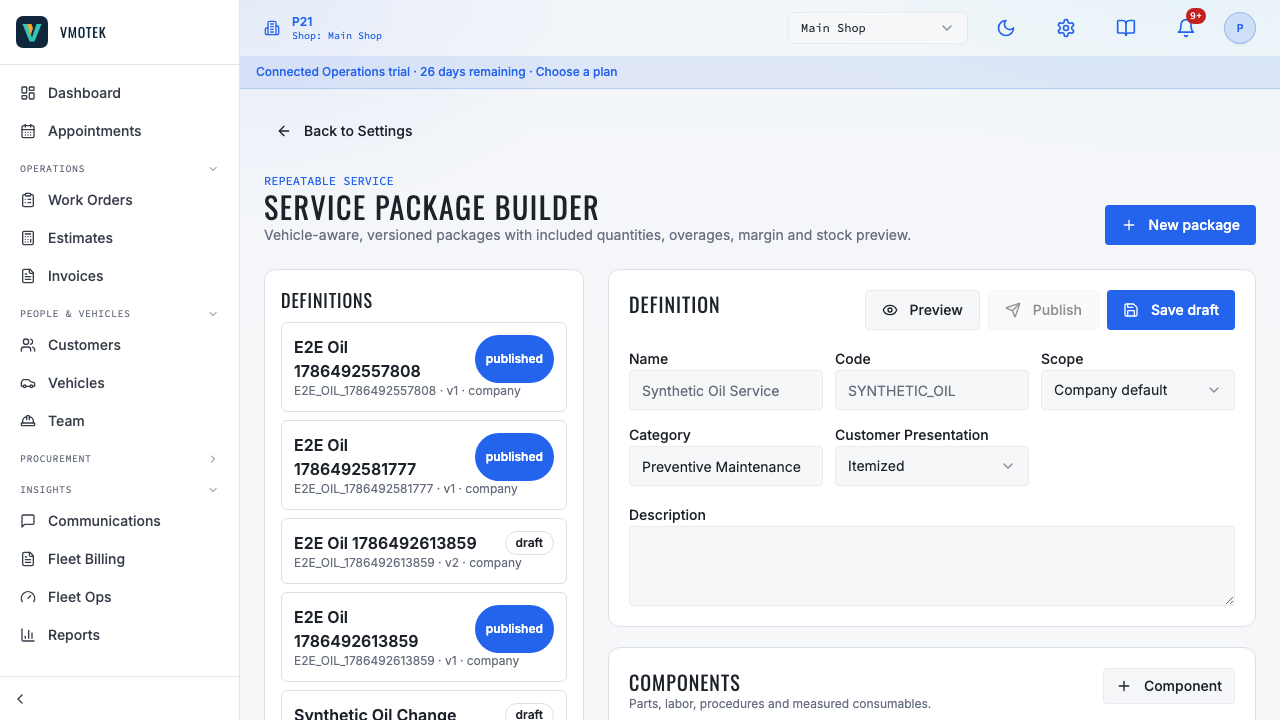
Link vehicle-correct fluids and filters, enter real capacities and labor, and attach the reviewed inspection. Define whether the package uses engine hours, mileage, calendar time or a fleet contract. The DOT-readiness package must remain labeled as an internal readiness review unless the shop is authorized to issue a formal inspection. Preview a representative vehicle and require advisor confirmation when capacity or fitment evidence is unavailable.
05
5. Validate capacity and end-to-end evidence
Create real bays with vehicle-size and equipment limits, assign qualified technicians and configure dispatch. Test a unit with mileage and engine hours from intake through estimate, approval, work order, parts purchasing, completion and invoice. Verify the correct shop, unit, usage readings, inventory and PM history remain connected. Test a vehicle outside bay or package applicability and verify the team sees a clear restriction instead of an unsafe default.
Related product areas
Understand the capability behind the task
Continue to the applicable platform page for workflow behavior, role differences and connected operating consequences.
Ready to move forward?
Need help with your configuration?
Existing customers should use in-product support for account-aware assistance. Evaluation teams can contact us to discuss requirements.